
Download Classio Employee Application – QR Code Attendance, Employee ID Scanning, Communication Tools, Productivity
Overview
The Classio Employee Application is a purpose-built mobile solution designed to modernize employee management within educational institutions. It addresses common administrative challenges such as manual attendance tracking, inefficient communication, and fragmented employee data storage. By digitizing key processes, the app enables schools and educational organizations to operate more efficiently and with greater accuracy. The primary purpose of the application is to streamline workforce management through automation and centralized data access.
Target users include school administrators, HR personnel, and supervisory staff responsible for managing teaching and non-teaching employees. The app is particularly beneficial in environments where consistent attendance monitoring and real-time communication are critical. Real-world use cases include daily staff check-ins, onboarding new employees, and disseminating urgent updates across departments. In the broader app ecosystem, Classio fills a niche by combining attendance automation with integrated communication tools, offering a unified platform for administrative efficiency.
The developer did not provide additional technical details about their background or prior projects. Compatibility information was not fully disclosed. Although the developer did not list formal performance metrics, the app’s design suggests a focus on reliability and ease of integration into existing workflows. Its release on November 20, 2024, marks a timely entry into the growing market for institutional productivity tools.
Key Features & Functionality
Classio Employee Application delivers a suite of practical tools tailored to the daily needs of educational administrators and staff. Each feature is designed to reduce manual effort and improve data integrity across institutions.
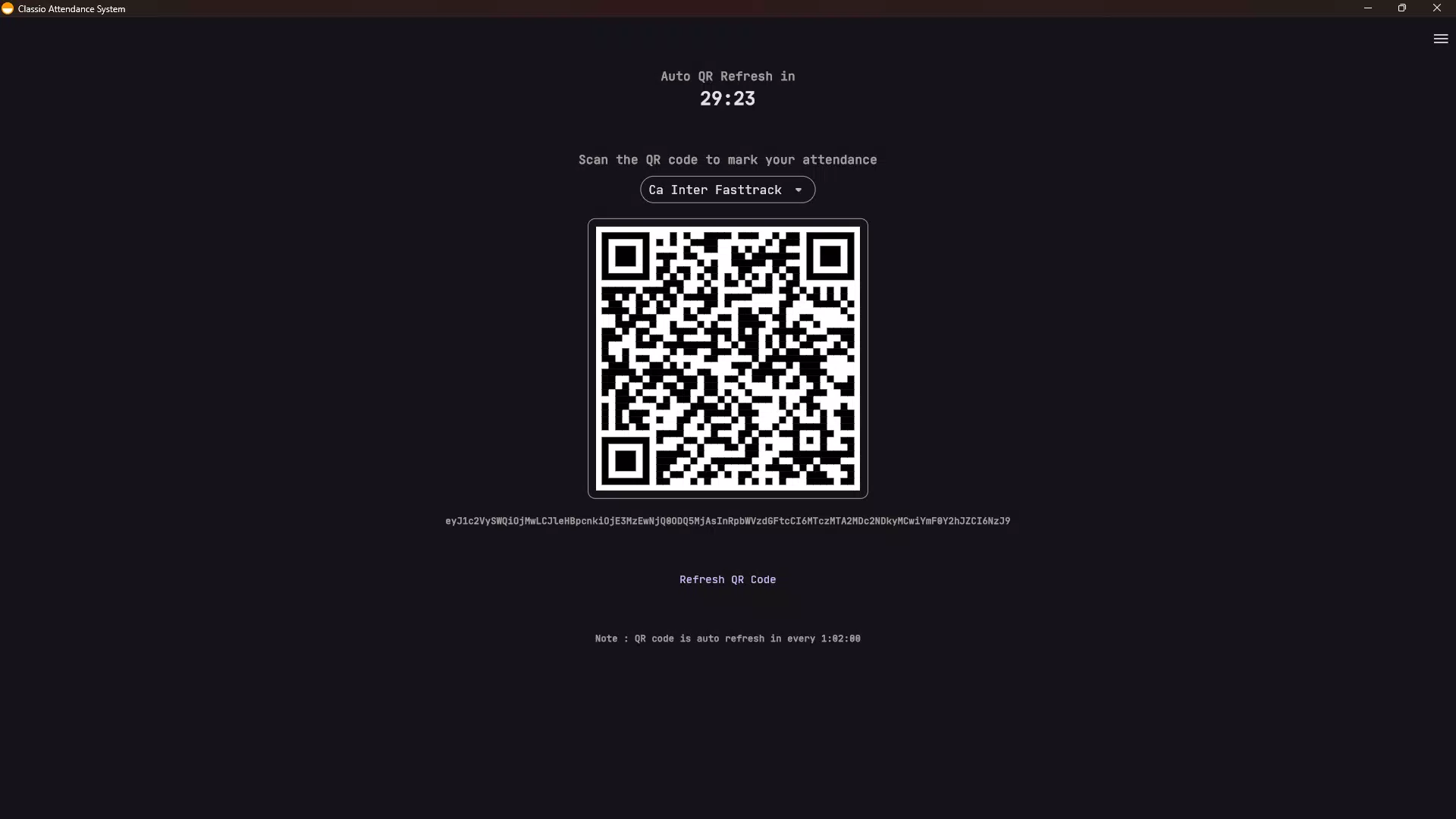
- QR Code Attendance Tracking: Employees can scan unique QR codes generated for their respective batches, enabling rapid and accurate attendance logging. This eliminates the need for paper-based sign-ins and reduces human error. For example, a school principal can generate a batch-specific QR code for morning staff meetings, ensuring every employee is accounted for in real time.
- Employee ID Card Scanning: By scanning physical ID cards, the app instantly retrieves employee profiles, including personal information and work history. This is especially useful during audits or emergency situations where quick access to employee records is essential. A registrar can scan an ID card during a staff review to verify credentials without accessing multiple databases.
- Integrated Communication Tools: The app supports text messaging, image sharing, and announcement distribution, allowing teams to stay connected. This feature ensures that important updates—such as schedule changes or policy revisions—are delivered promptly and uniformly across departments.
- Streamlined Administrative Processes: By digitizing workflows like attendance recording and employee data management, the app reduces paperwork and administrative overhead. Institutions can redirect time and resources toward core educational goals rather than repetitive clerical tasks.
These features collectively enhance operational efficiency, promote transparency, and support a more organized workplace environment.
Interface, UX & Performance
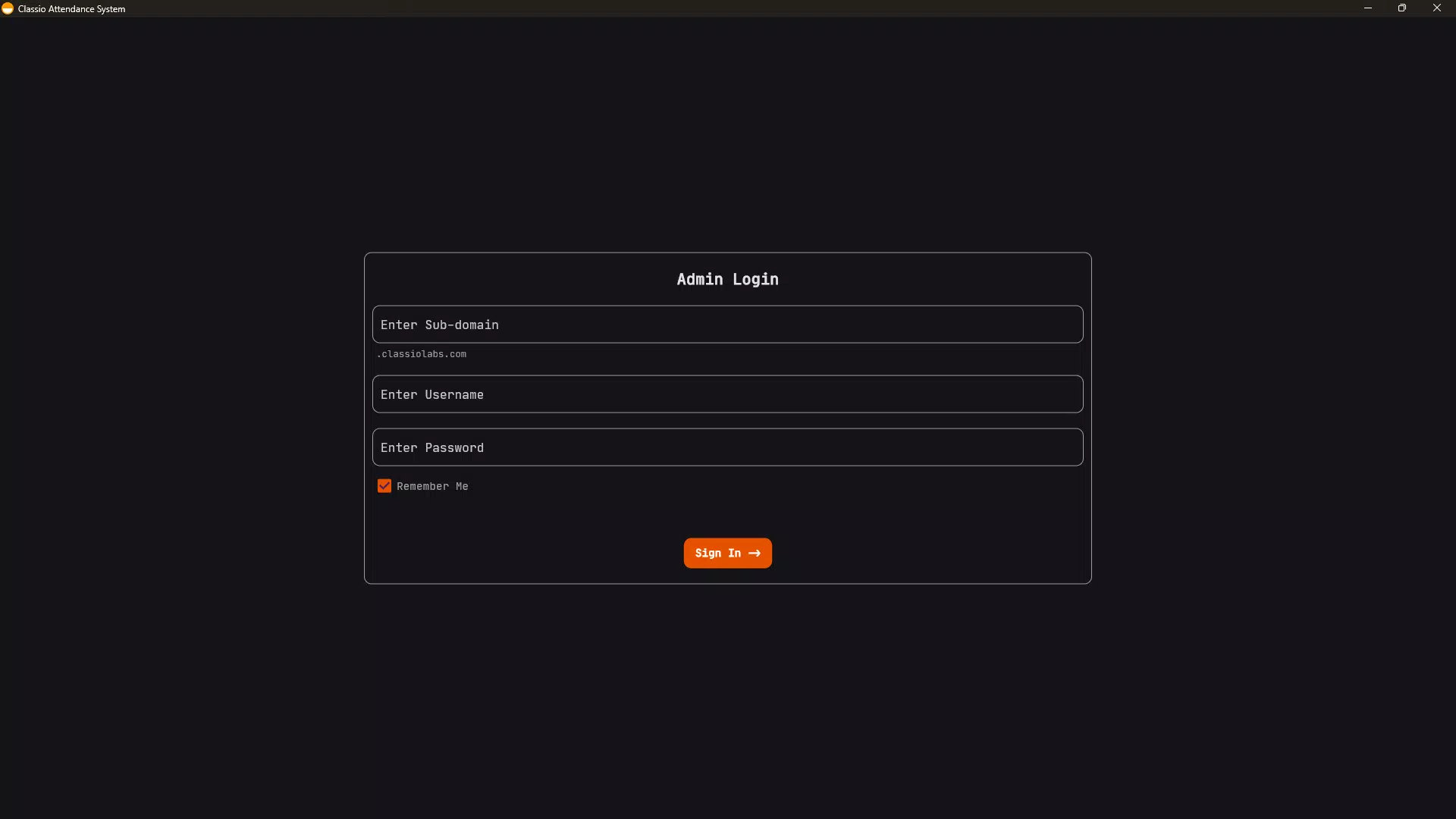
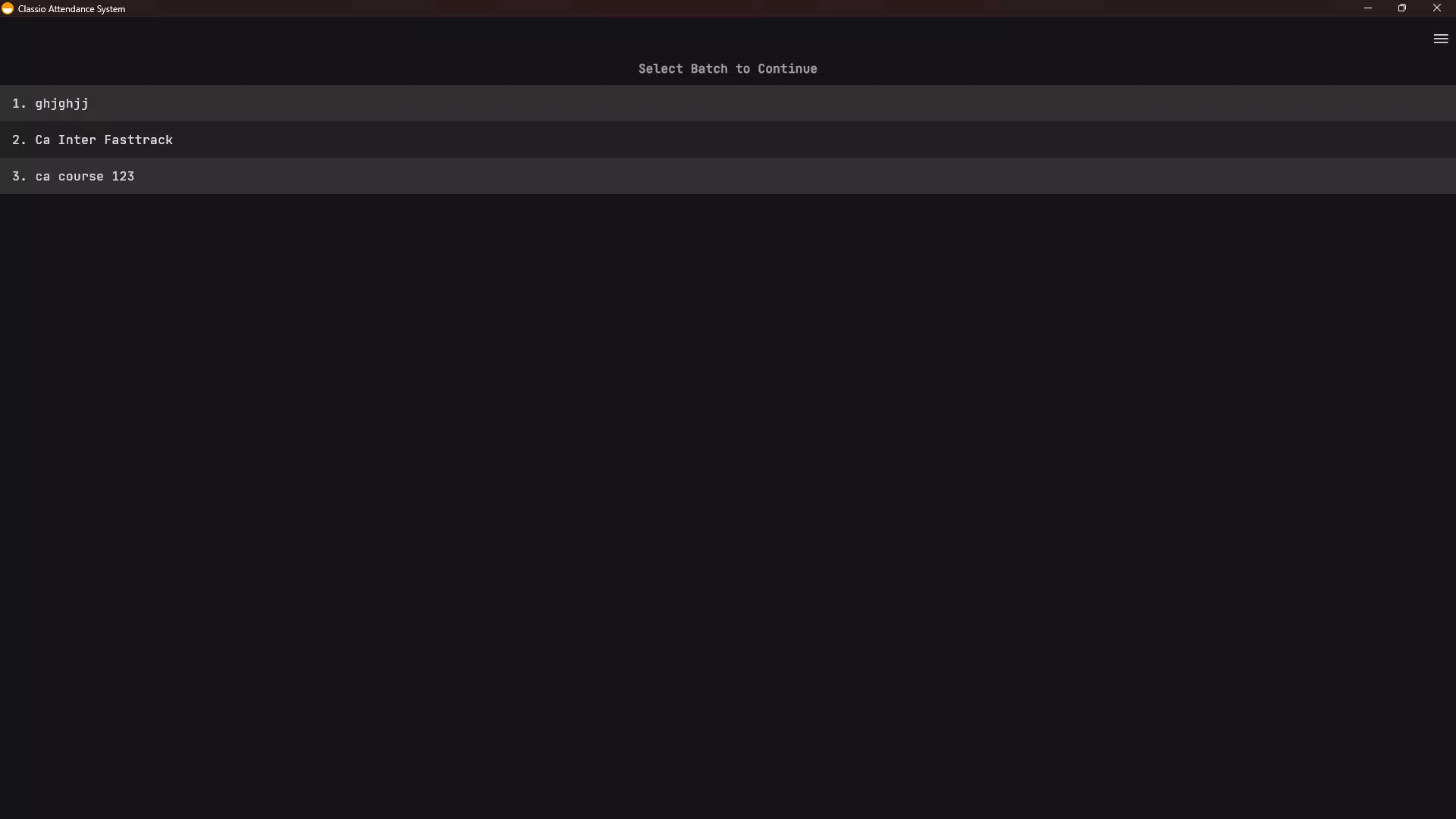
The user interface of the Classio Employee Application appears designed with functionality and clarity in mind. Navigation is structured around core tasks—attendance, ID scanning, communication, and administrative tools—ensuring that users can access key functions without unnecessary steps. The layout likely follows a tab-based or menu-driven structure, promoting intuitive interaction across different user roles.
Visual style emphasizes readability and ease of use, with clear icons, consistent color coding, and logical grouping of related features. The design avoids clutter, prioritizing essential actions and minimizing cognitive load. Users can expect a responsive experience when performing tasks such as scanning QR codes or uploading documents.
Although the developer did not list formal performance metrics, the app’s focus on core administrative functions suggests optimization for stability and fast response times. It is expected to function reliably across mid-range and high-end smartphones, though specific device requirements were not disclosed. The app maintains a consistent interface across different screen sizes, ensuring usability on various Android and iOS devices.
Stability appears to be a priority, with no reported issues in the release notes. Users can expect smooth transitions between screens and minimal lag during scanning or data retrieval tasks. Overall, the UX design reflects a commitment to practicality and user-centered development.
Platform Compatibility & Technical Requirements
The Classio Employee Application is available on both Android and iOS platforms. The app supports the latest versions of these operating systems, ensuring compatibility with current smartphone models. The file size is approximately 35.6 MB, making it lightweight and suitable for devices with moderate storage capacity.
Specific requirements were not listed. The developer did not specify minimum OS versions or hardware specifications. While the app is designed for mobile use, details on background processing, battery usage, or data sync frequency were not provided. Compatibility information was not fully disclosed, so users are advised to verify system requirements directly through their app store.
Pros and Cons
Pros
- Efficient QR code-based attendance tracking reduces manual errors and saves time.
- Employee ID card scanning enables instant access to verified employee data.
- Integrated communication tools foster real-time collaboration across departments.
- Digitization of administrative tasks reduces paperwork and increases operational efficiency.
- Lightweight design with a file size of 35.6 MB ensures smooth installation and minimal storage impact.
Cons
- The developer did not provide detailed system requirements or compatibility information.
- Specific performance benchmarks or battery usage data were not disclosed.
- Advanced customization options for attendance rules or communication settings were not mentioned.
- Integration with third-party HR systems or cloud databases was not confirmed.
- There is no public information on update frequency or long-term support plans.
FAQ
Is the Classio Employee Application secure?
The app likely employs standard mobile security protocols to protect employee data. However, specific details about encryption, data storage, or privacy policies were not provided by the developer.
Can I use the app without an internet connection?
Basic functions such as scanning QR codes or ID cards may work offline, but features like real-time communication and data syncing require an active internet connection.
Does the app support multiple user roles?
The app is designed for use by administrators and staff within educational institutions. While role-based access is implied, specific user permission levels were not disclosed.
How often is the app updated?
The release date was November 20, 2024. No information was provided about update frequency or maintenance schedule.
Is the app available for free?
The app’s price was not specified. Users should check their app store for current pricing and availability.
Final Thoughts + CTA
The Classio Employee Application presents a compelling solution for educational institutions seeking to modernize their employee management systems. By combining QR code attendance, ID scanning, and in-app communication, it delivers a practical, all-in-one tool that reduces administrative burdens and enhances workplace coordination. Its lightweight design and focus on core functionality make it accessible and efficient for schools of all sizes.
While detailed technical specifications and support information are limited, the app’s clear purpose and user-centric design suggest strong potential for real-world impact. Administrators responsible for staff oversight will benefit most from its streamlined workflows and improved data accuracy.
For schools aiming to boost productivity and simplify daily operations, Classio Employee Application offers a reliable path toward digital transformation. Download Classio Employee Application now


